
RenoPro Calc
Estimate renovation jobs room by room — then turn the numbers into cleaner budgets, material lists, photos, and proposals.
Built for remodelers, contractors, real estate investors, house flippers, and homeowners who need a faster way to organize scope, cost, and client-ready renovation details.
Room
by room
proposals
Pro
tools
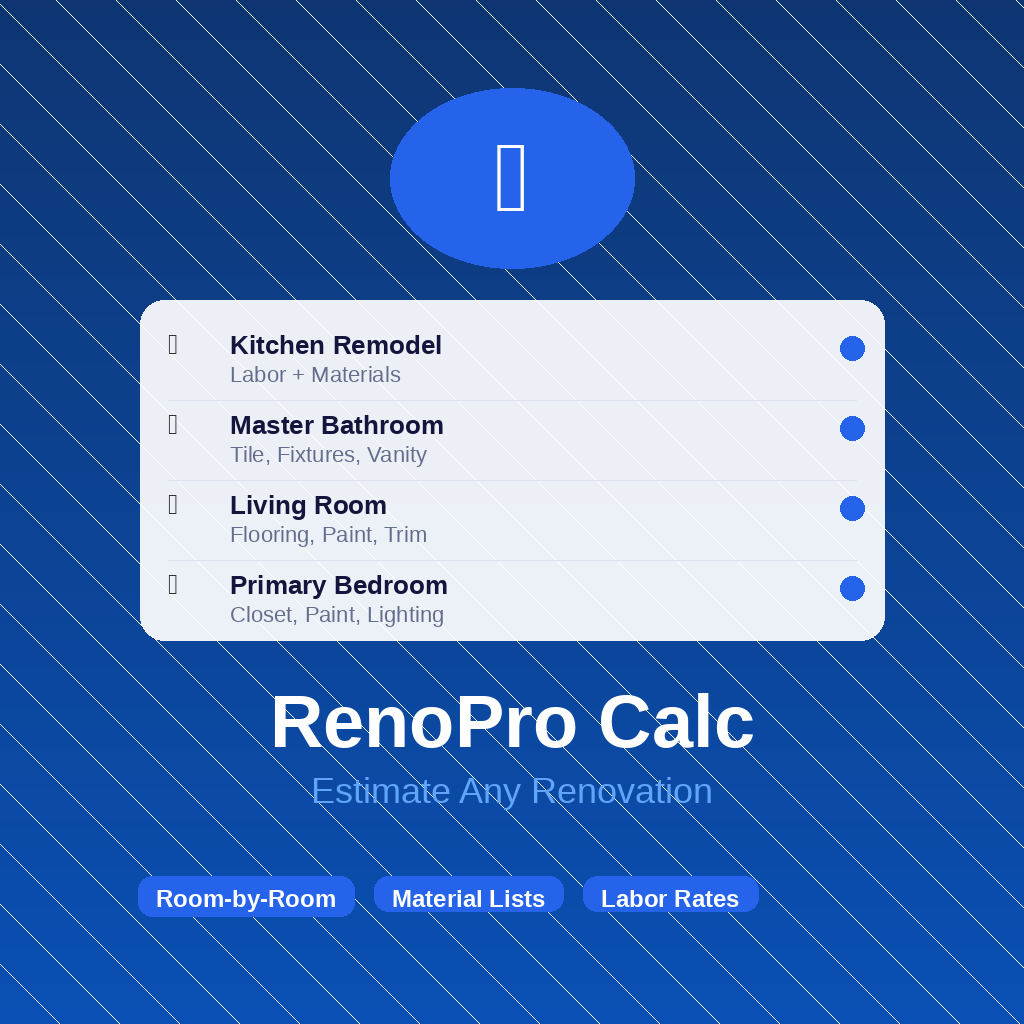
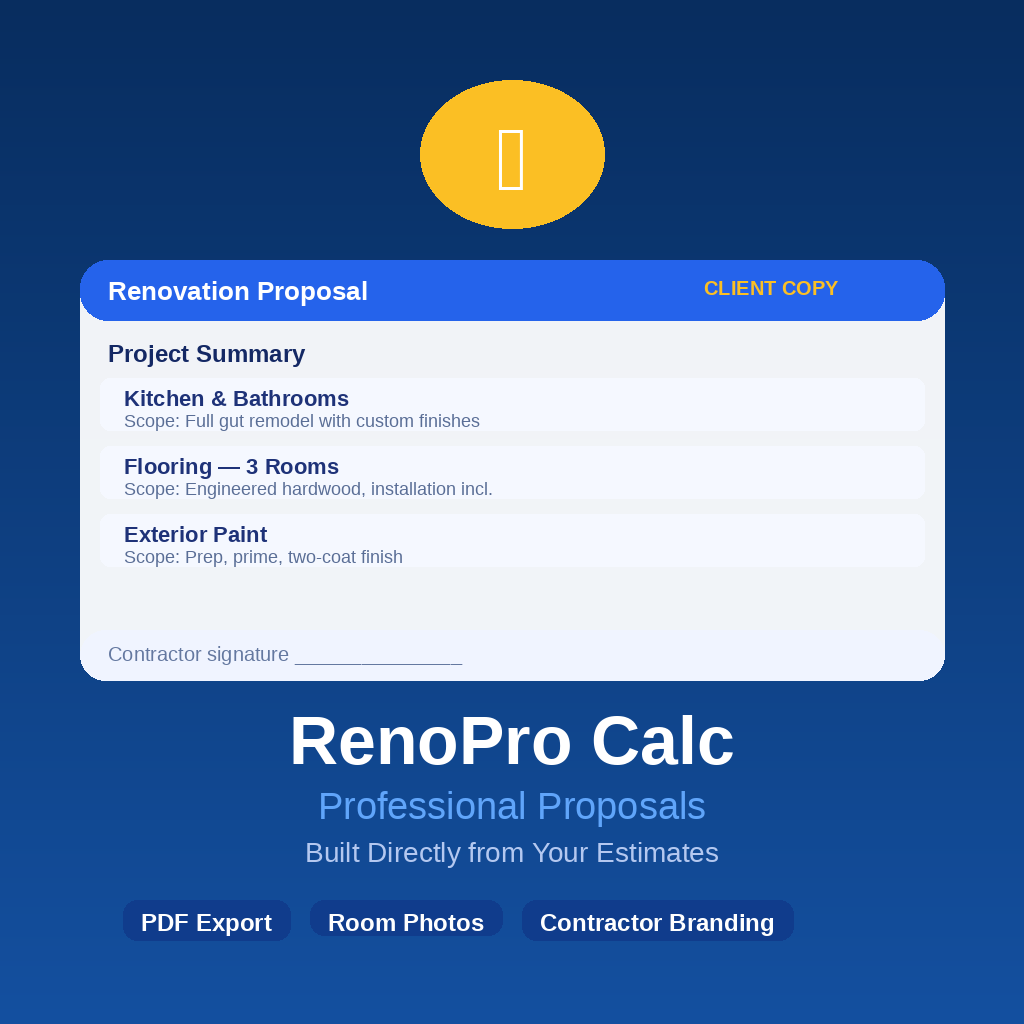
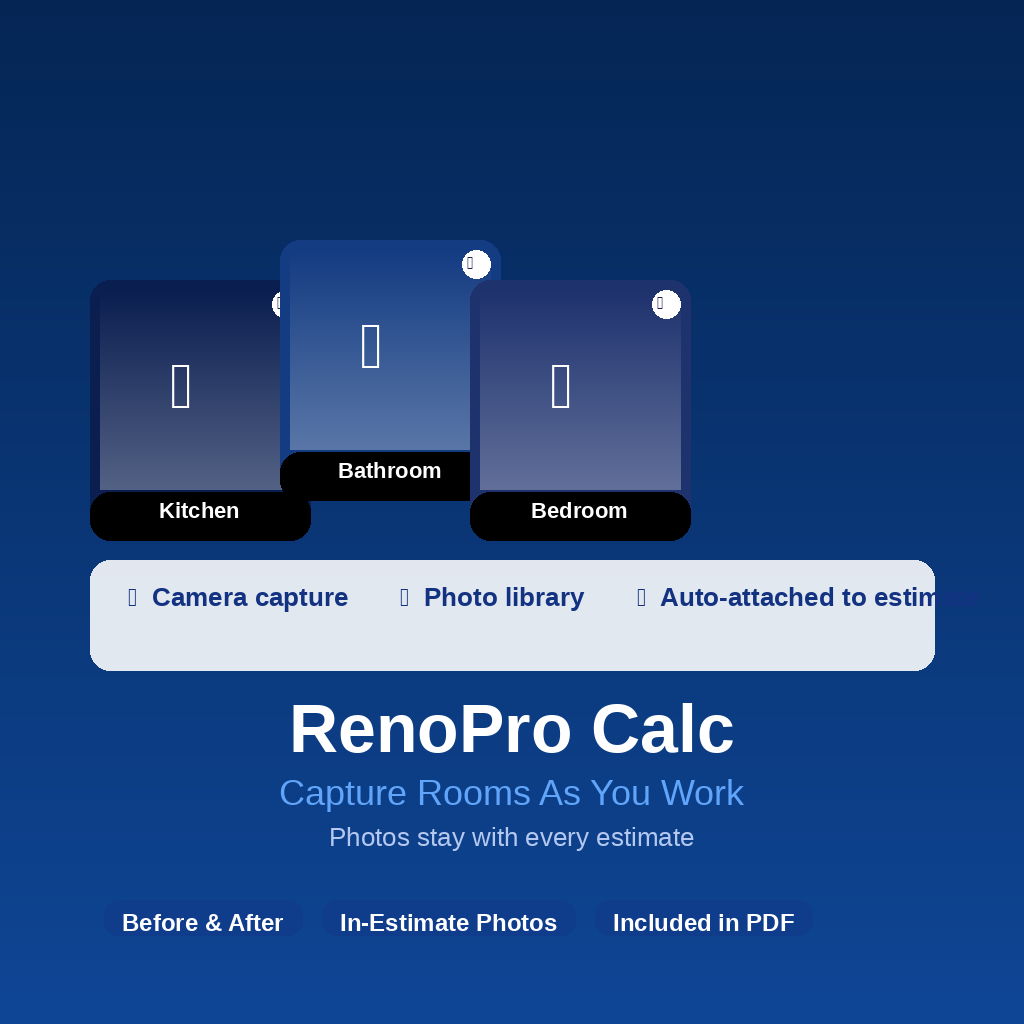
Estimate by room
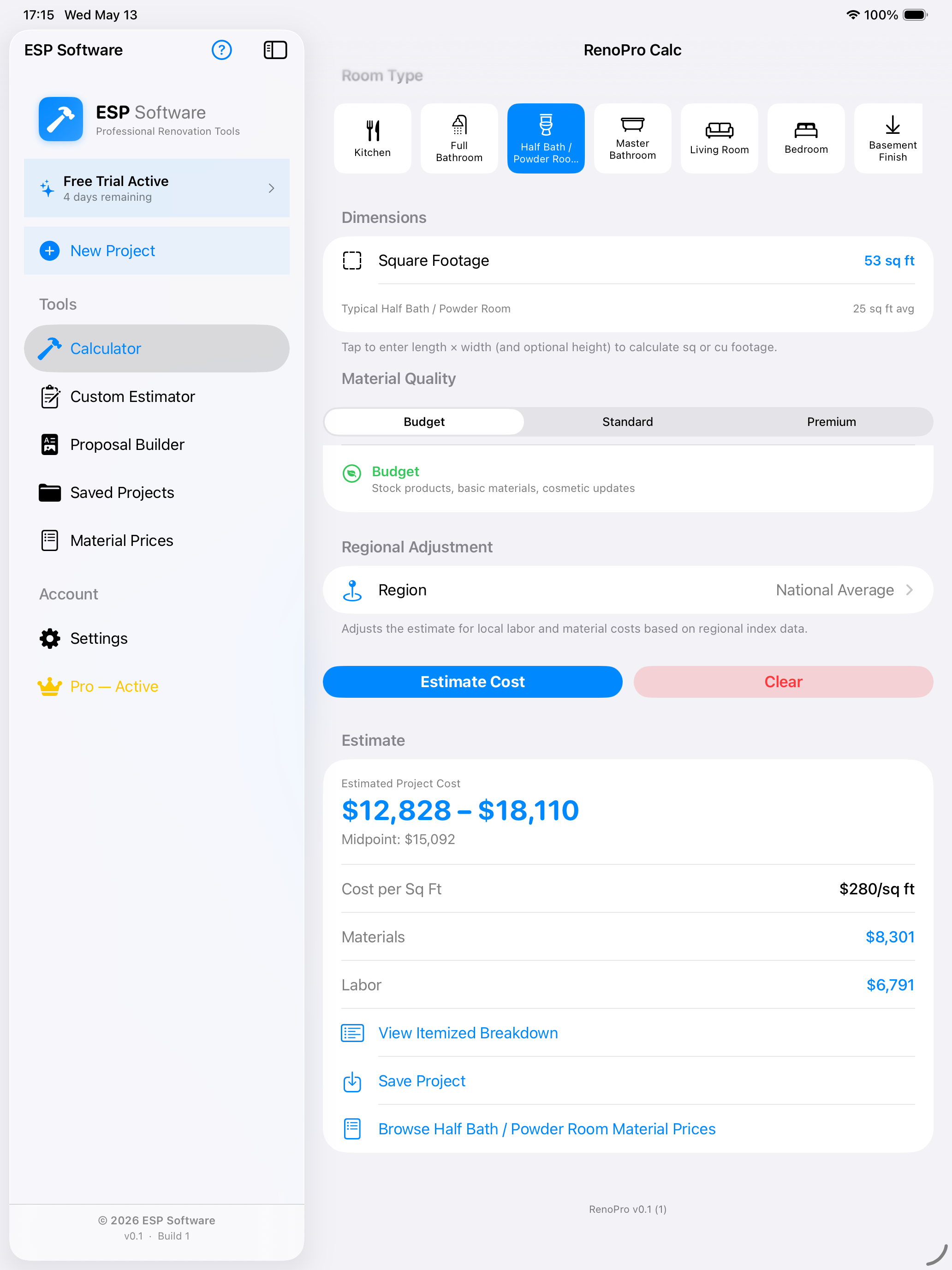
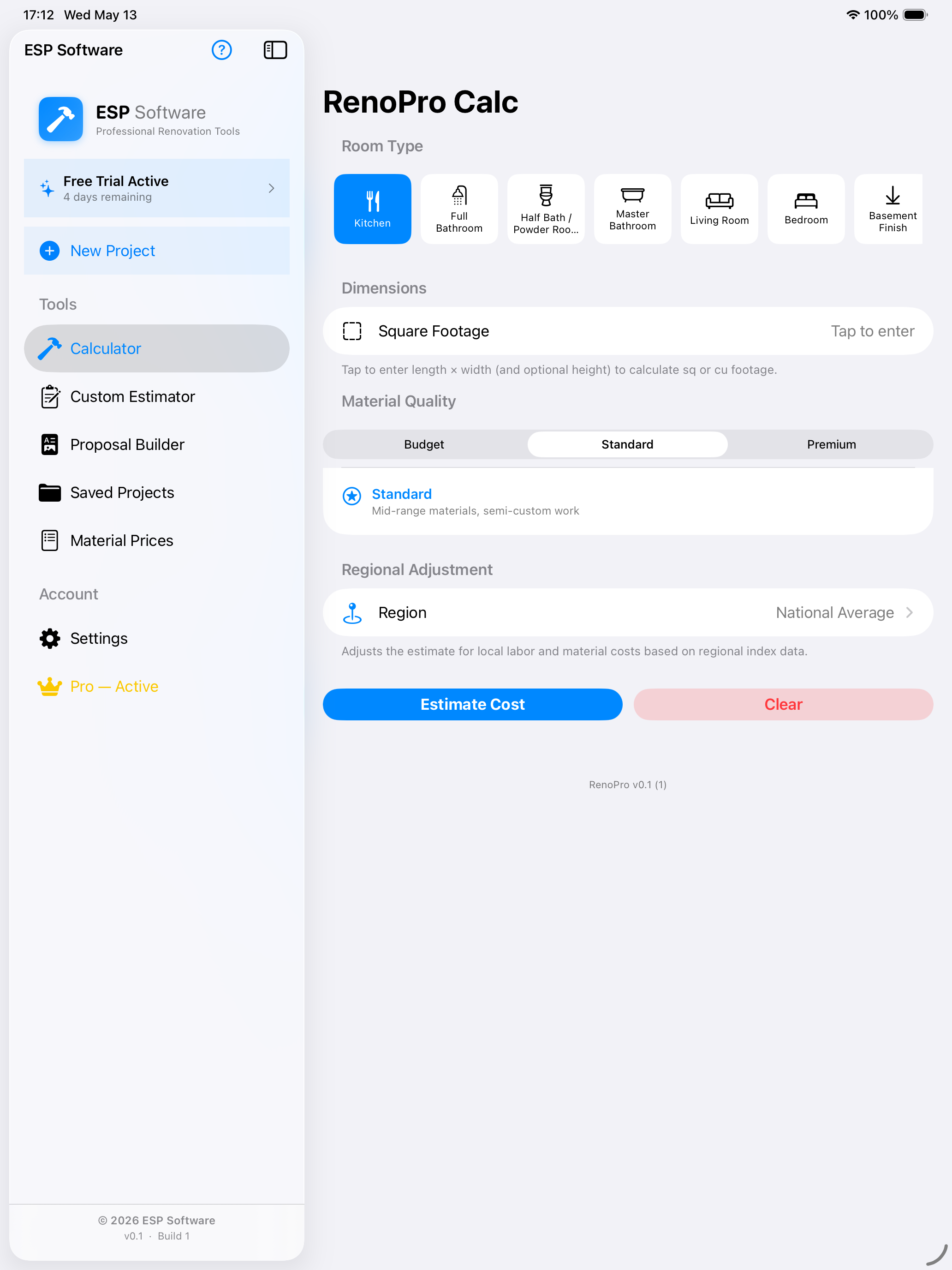
Choose room type, square footage, material quality, and region to build practical renovation ranges.
Materials + labor
Break estimates into cost drivers so you can see where the money is going before work starts.
Proposal builder
Turn saved estimates into cleaner proposal-ready summaries for clients, planning, or internal review.
Project photos
Capture room photos and keep them attached to the estimate instead of scattered in your camera roll.
From rough idea to useful range
Make renovation math less fuzzy
Renovation estimates usually start messy: room types, square footage, material grades, labor assumptions, regional differences, and quick changes from the client or homeowner.
RenoPro Calc gives those assumptions a place to live. Build a project, adjust the room, review the estimated range, then save the estimate for later comparison or proposal work.
Great for early planning
Kitchen, bath, flooring, paint, bedrooms, basements, and more.
Built for comparisons
Budget, standard, and premium assumptions help frame the conversation.
A workflow, not just a calculator
Four parts of a renovation estimate, connected
RenoPro Calc brings the pieces of renovation planning together so the estimate does not die in a notebook, text thread, or spreadsheet tab nobody can find.
1. Start a project
Pick the room type, enter square footage, choose material quality, and account for regional cost differences.
2. Review cost drivers
See estimated project range, midpoint, cost per square foot, material totals, and labor totals.
3. Attach photos
Capture room photos so the visual context stays with the estimate and can be referenced later.
4. Build proposals
Use saved estimates to prepare professional summaries and client-ready proposal documents.
Professional proposals
A better handoff than “I’ll text you the numbers.”
For contractors and remodelers, the estimate is often only half the job. The client also needs something understandable: scope, rooms, totals, and confidence that the numbers came from a repeatable process.
RenoPro Calc helps move from estimate to proposal so the conversation feels more professional.
- PDF export
- Client copy workflow
- Contractor branding
- Room photos included
Material library built in
Stop rebuilding the same material list from scratch
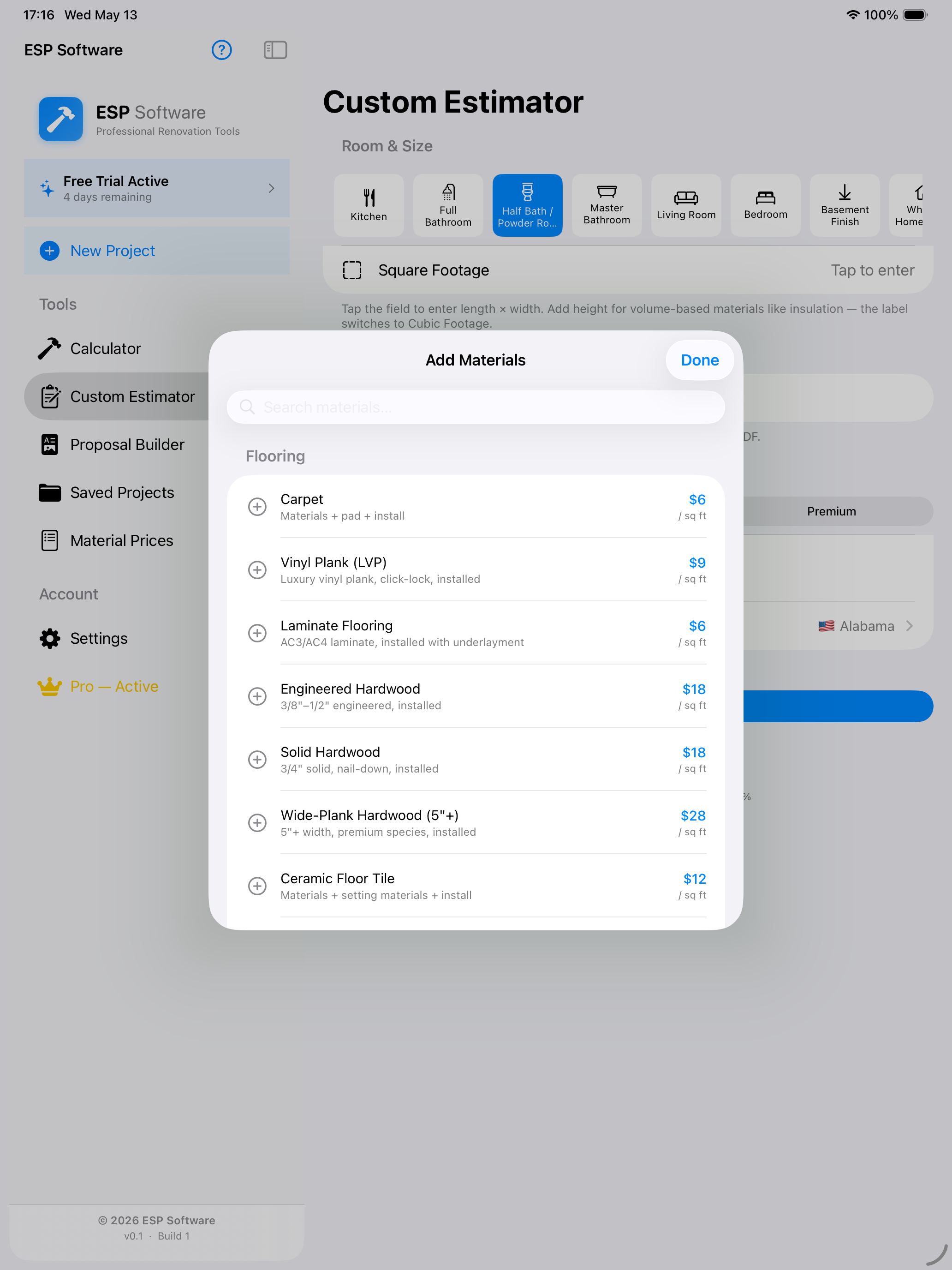
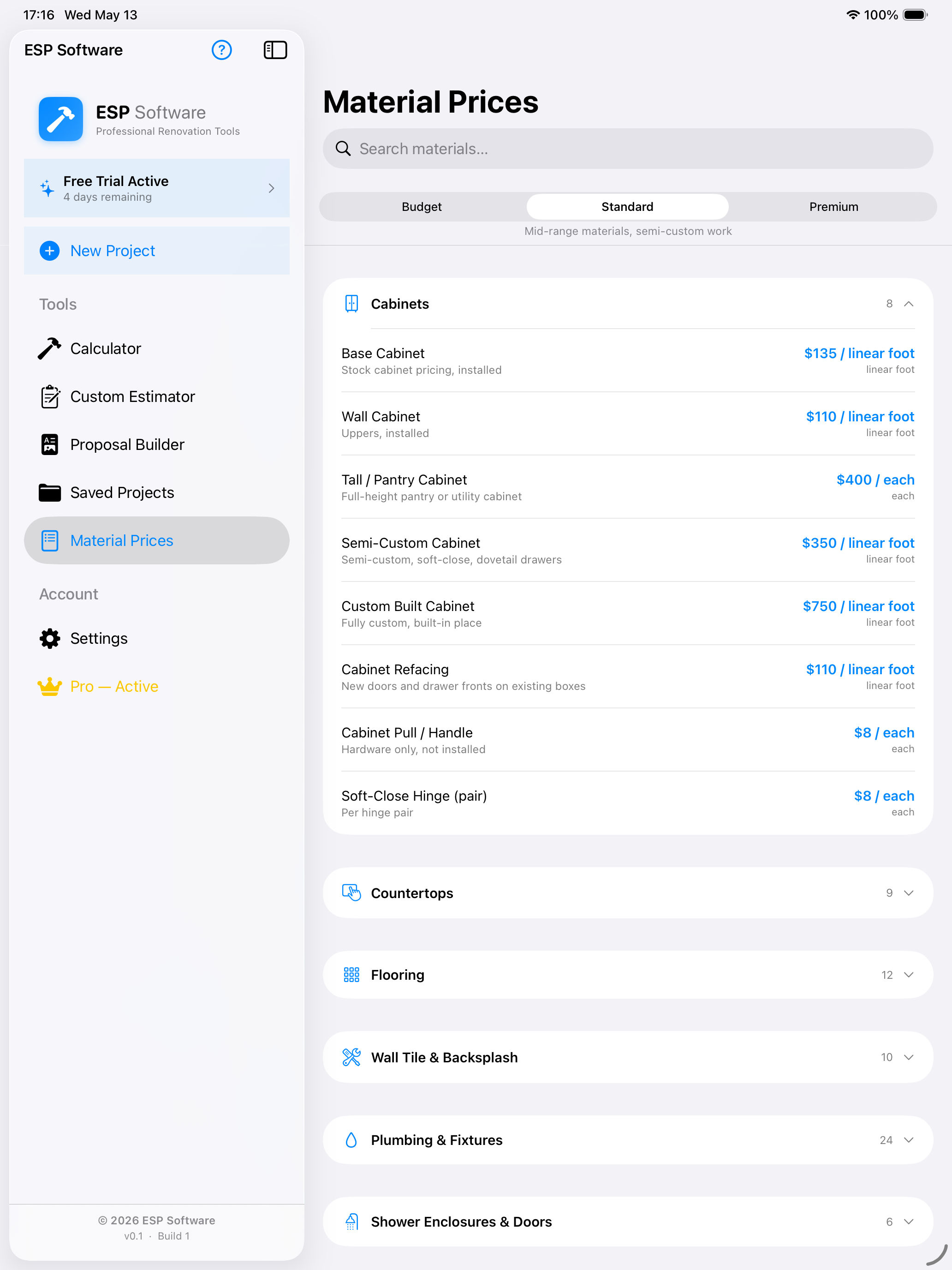
RenoPro Calc includes material categories such as cabinets, countertops, flooring, wall tile, plumbing fixtures, shower enclosures, paint, trim, doors, electrical, and more.
Use built-in assumptions as a starting point, then adjust material and quality levels to fit your market, project, or preferred scope.
Designed for real renovation conversations
A kitchen remodel, bathroom update, flooring job, or exterior paint project can all start from different assumptions. RenoPro Calc makes those assumptions visible.
Pro features available
Unlock the full renovation toolkit when you are ready.
RenoPro Calc offers optional Pro features for users who want the complete workflow: expanded room estimates, material and labor breakdowns, custom material management, photo capture, proposal building, PDF export, sharing, and contractor branding. Pricing and availability are shown in the App Store and inside the app.
Optional Pro workflow
Expanded room estimates
Material & labor breakdowns
Room photo capture
PDF export & sharing
Proposal builder
Contractor branding
Feature availability is shown by Apple in the App Store and inside the app.
Important estimating disclaimer
RenoPro Calc provides planning estimates for informational purposes only. It is not a contractor, supplier, bidding service, cost certification tool, or guarantee of final price.
Actual renovation costs vary by location, materials, labor availability, contractor, permits, demolition needs, hidden conditions, code requirements, change orders, and site-specific factors.
Always verify final scope, costs, permits, and contract terms with qualified professionals before committing to renovation work or presenting final numbers to a client.